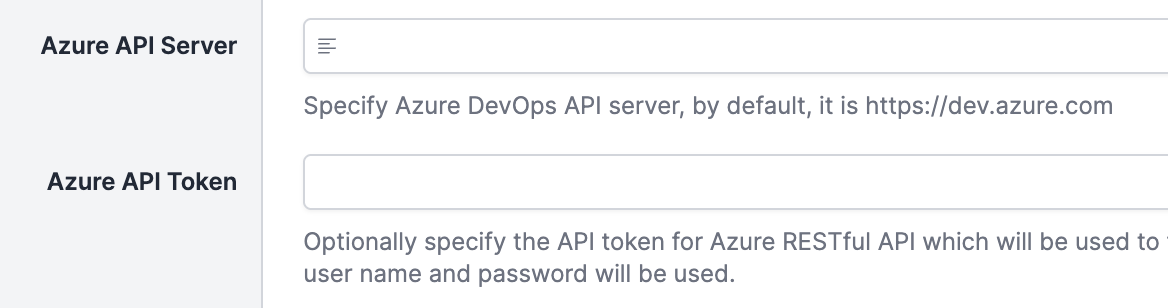


We have a 'Azure Devops' repository configured in our build and are trying to setup publishing of the build status in the 'repository' settings.
However, in the publish step we always get the following error.
Error executing checkout build finish job.
caused by: Response error: Response{protocol=h2, code=404, message=, url=https://dev.azure.com/{project}/_apis/git/repositories/{repo}/commits/{commit}/statuses?api-version=6.0}
The issue is we are running QB13 with a selfhosted repository, so the URL https://dev.azure.com is not correct in our case.
Is there a way to configure the publish base-url or inherit it from the configured 'Fetch URL'?
- replies 3
- views 125
- stars 0
-