
Your browser was unable to load all of the resources. They may have been blocked by your firewall, proxy or browser configuration.
Press Ctrl+F5 or Ctrl+Shift+R to have your browser try again.

How to set url for status publishing in Azure Devops repo #4707

math ·

We have a 'Azure Devops' repository configured in our build and are trying to setup publishing of the build status in the 'repository' settings.
However, in the publish step we always get the following error.

Error executing checkout build finish job.
caused by: Response error: Response{protocol=h2, code=404, message=, url=https://dev.azure.com/{project}/_apis/git/repositories/{repo}/commits/{commit}/statuses?api-version=6.0}

The issue is we are running QB13 with a selfhosted repository, so the URL https://dev.azure.com is not correct in our case.
Is there a way to configure the publish base-url or inherit it from the configured 'Fetch URL'?

  • replies 2
  • views 63
  • stars 0
steveluo ADMIN ·
steveluo ADMIN ·

Hi@math

The issue is resolved now in QB 16.0.10, please have a try and let me know if the issue persists.

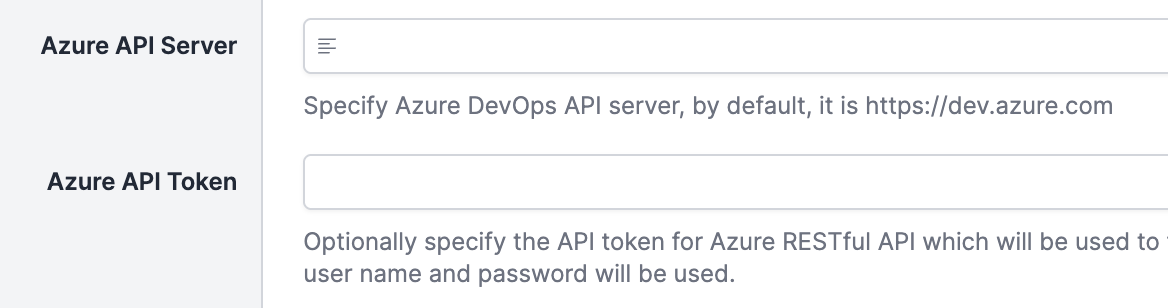
Two additional fields are added in Advanced section:

image.png

Azure API Server is the server you are using, by default, it's https://dev.azure.com

Azure API Token is the access token you generated for accessing the server, see here to know how to generate the access token, you can also leave it blank if you want to use the username and password you set for Azure Git repo.